

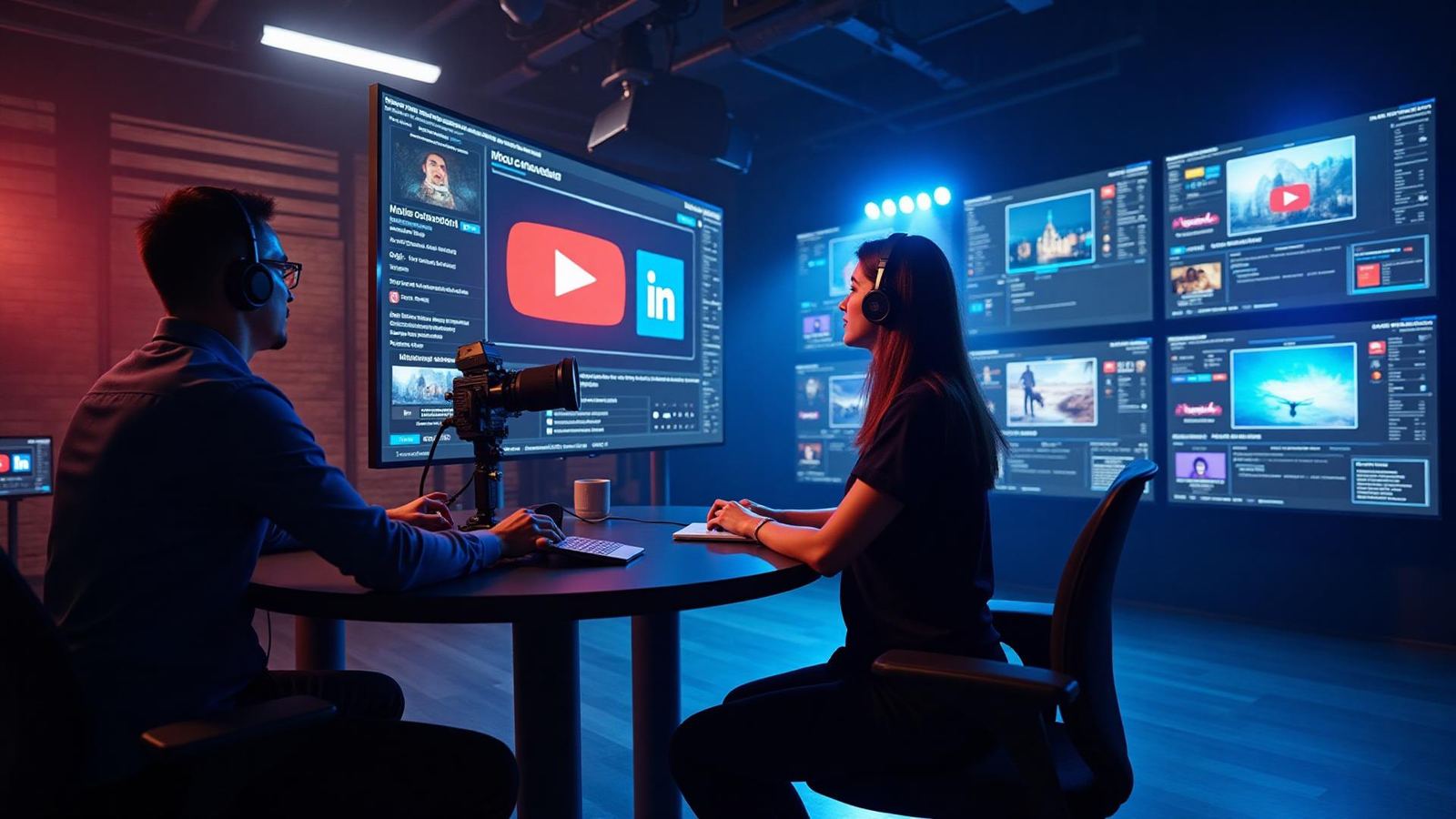
Professional Multi-Destination Livestreaming Made Simple
Broadcast in 4K, control every layout in real time, manage guests backstage, and stream everywhere—all from your browser.
Why Livestream on Boomcaster?
Boomcaster gives creators, teams, and businesses a true broadcast environment without complicated software.
Stream to multiple platforms at once
(YouTube, LinkedIn, Facebook, Twitch, RTMP).
Dynamic layouts, transitions & overlays
to match your brand and content.
Backstage controls
for guests, producers, and speakers.
Real-time director tools
that give you full control of the show.
Core Livestreaming Features
Multi-Destination Streaming
Go live to all your platforms simultaneously:
- YouTube
- LinkedIn Live
- Twitch
- Private RTMP destinations
One click. Zero setup hassles.
Dynamic Layout Controls
Run your live show like a TV broadcast:
- Side-by-side
- Picture-in-picture
- Grid view
- Speaker focus
- Split screen & custom frames
Switch layouts instantly without interrupting the stream.
Backstage Mode
Prepare guests before they go live.
- Green room space
- Producer-only communication
- Preview mode before sending live
- Smooth transitions between speakers
Custom Overlays & Branding
Add a professional look with:
- Logos
- Lower thirds
- Color themes
- Backgrounds
- Custom frames
- Scene-based presets
Perfect for creators, agencies, and businesses.
Live Captions
Make livestreams accessible and polished with:
- Real-time captions
- 30+ languages
- Downloadable transcripts after the event
Real-Time Monitoring
Get full visibility into:
- Network stability
- Upload performance
- Participant quality
- Live status & redundancy
Guest Experience
Guests join your livestream with zero friction:
Perfect for executives, clients, and non-technical guests.
Use Cases
Podcasts & Live Shows
Broadcast interviews, audience Q&A, reactions, and panel discussions.
Webinars & Corporate Events
Host thought leadership, customer education, or internal comms.
Training & Workshops
Run live classes with dynamic speaker switching and visuals.
Product Launches & Announcements
Stream demos, walk-throughs, and keynote-style presentations.
Livestream Workflow
Set Up Your Studio
choose layouts and branding presets.
Invite Guests
share a simple branded join link.
Prep Backstage
organize speakers before going live.
Go Live
switch layouts, spotlight speakers, and run transitions.
Engage & Monitor
watch quality and adjust on the fly.
End Stream
final recording available instantly.
Frequently Asked
Ready to Stream Like a Professional?
Start broadcasting to multiple platforms with studio-quality production today.
No credit card required • Free forever plan available • Cancel anytime